A low-power e-paper display for information gathered over Wi-Fi.
Tinta puts information from your network on the wall — no wiring, and over a year unattended on common alkaline batteries. It wakes by a real-time clock, an NFC tap, or a push button, fetches the data over Wi-Fi, and switches itself off again: thousands of cycles per set of batteries.
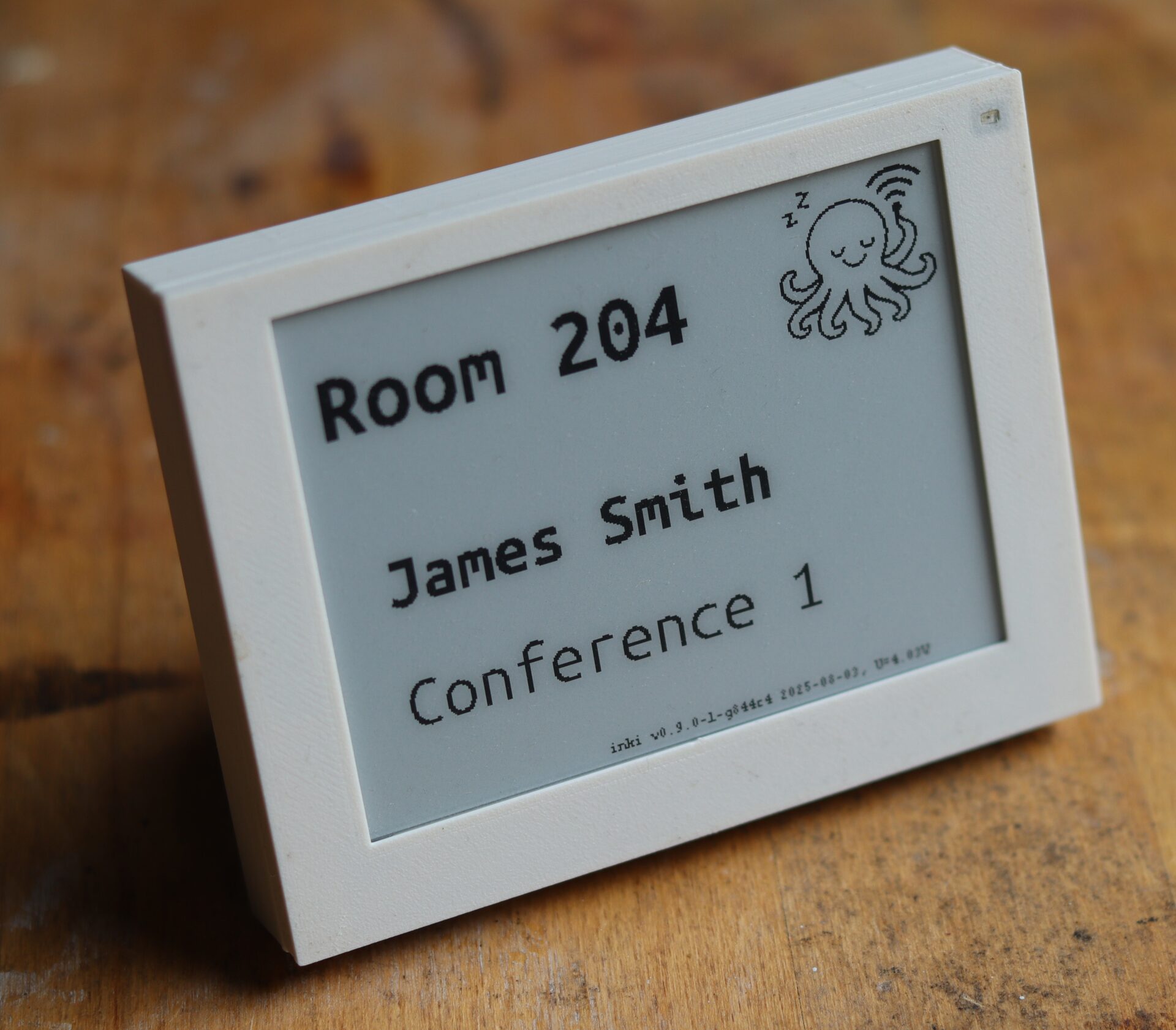

Coming soon on Crowd Supply. Subscribe on the pre-launch page to get email updates about the project, including the day the campaign goes live.
Visit the pre-launch pageSet it up once, and it runs for years.
Available in compact 4.2-inch and large 7.5-inch sizes, with 3D-printable enclosures to fit your space.
Up to years of battery life
Up to about 10,000 refresh cycles on standard AA batteries — the device is fully off between updates.
Browser setup
Configure over a Wi-Fi hotspot from any phone or laptop. No programming, drivers, or cables.
Persistent image
E-paper keeps its content on screen even when the device is completely powered off.
Wireless updates
Firmware and content update over Wi-Fi, through a custom dual-slot bootloader.
Room booking, sensors, home automation, weather.
The use case is set by the firmware image and can be switched over the air. Point it at your own data source to add a new one — the firmware could be extended for more or less any information accessible via Wi-Fi. I am open to new ideas for more use cases.
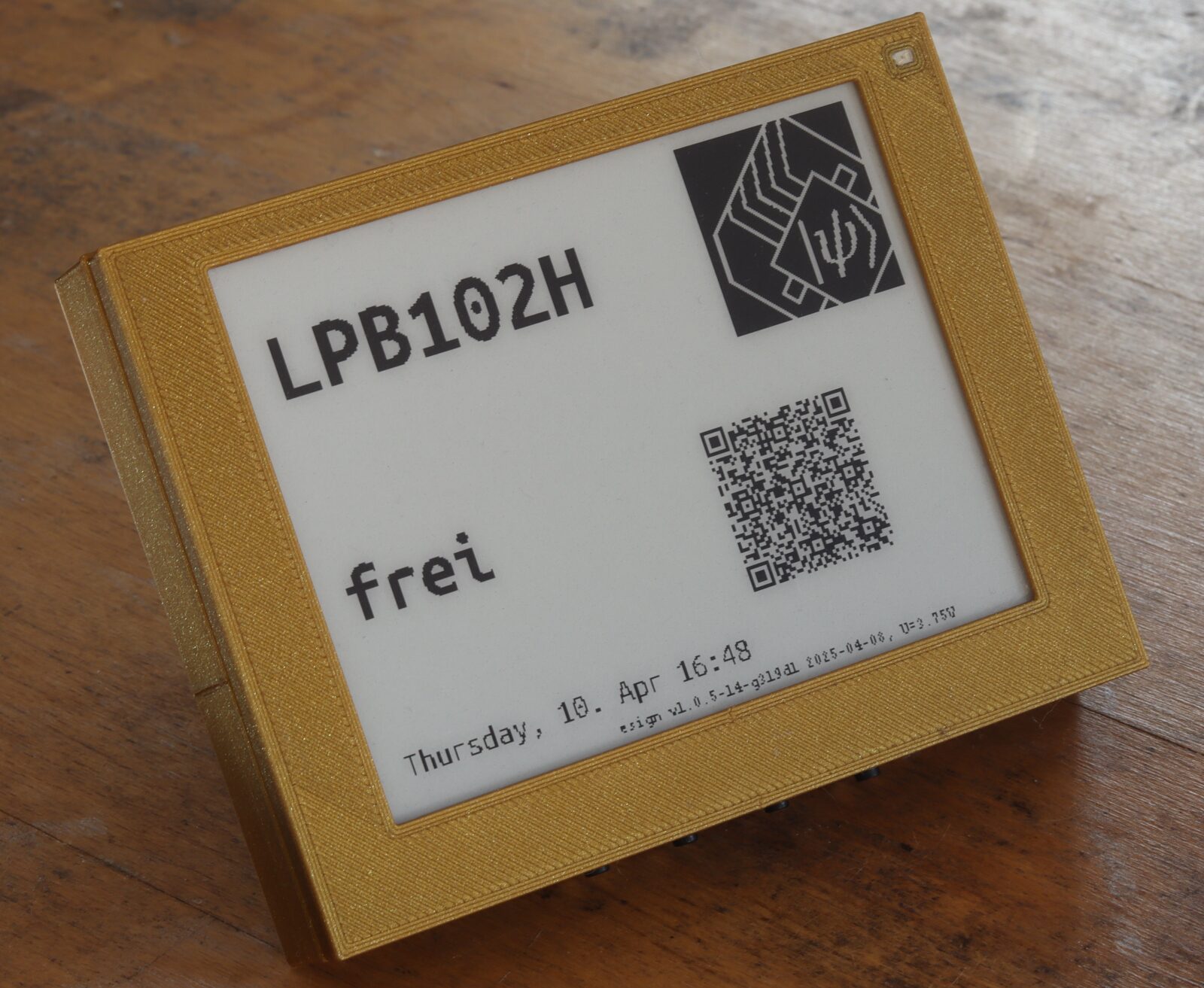
Seatsurfing
Room and desk booking display, with live status over the open-source Seatsurfing REST API.
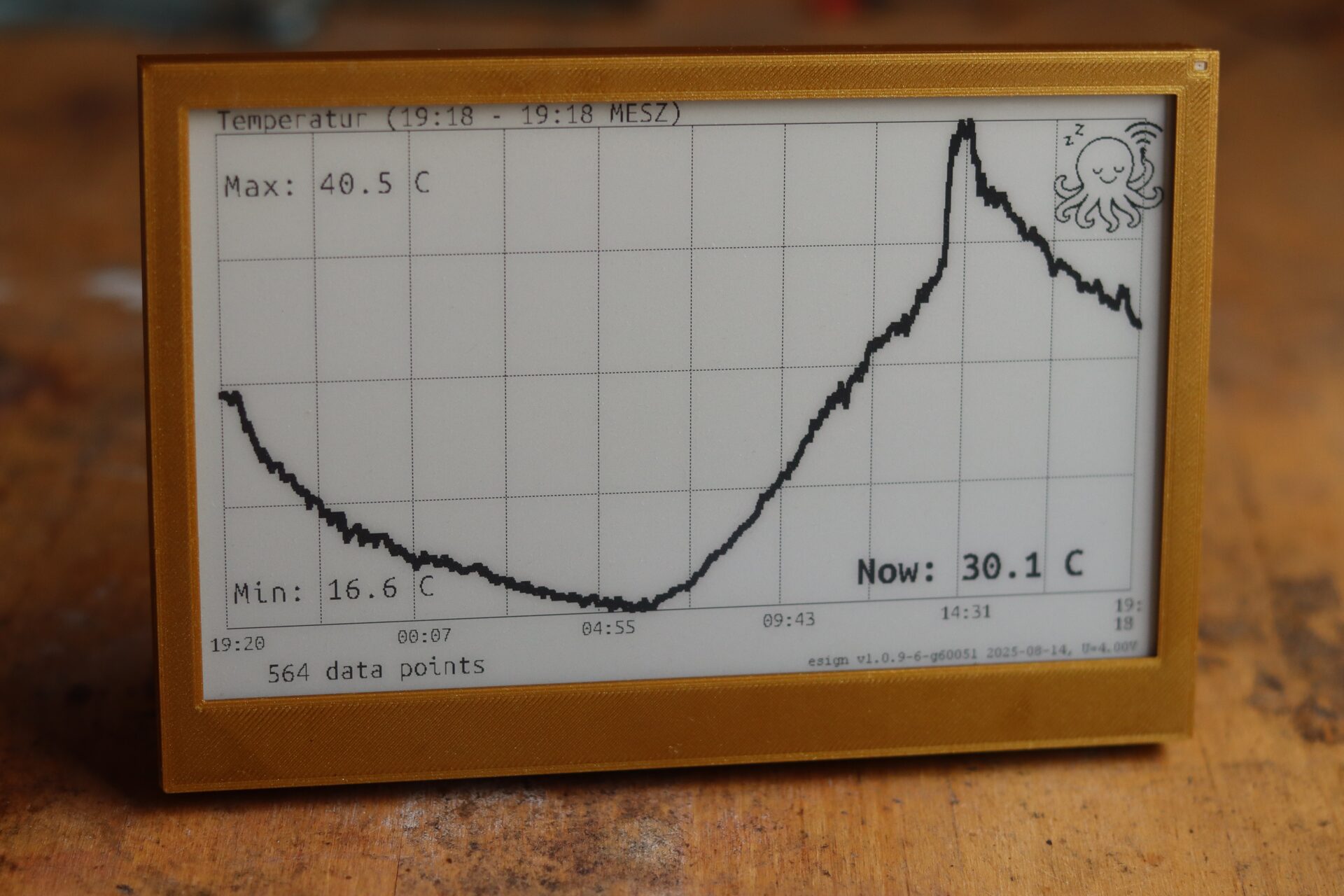
Historian
Time-series sensor data such as temperature curves, via CCU-Historian.
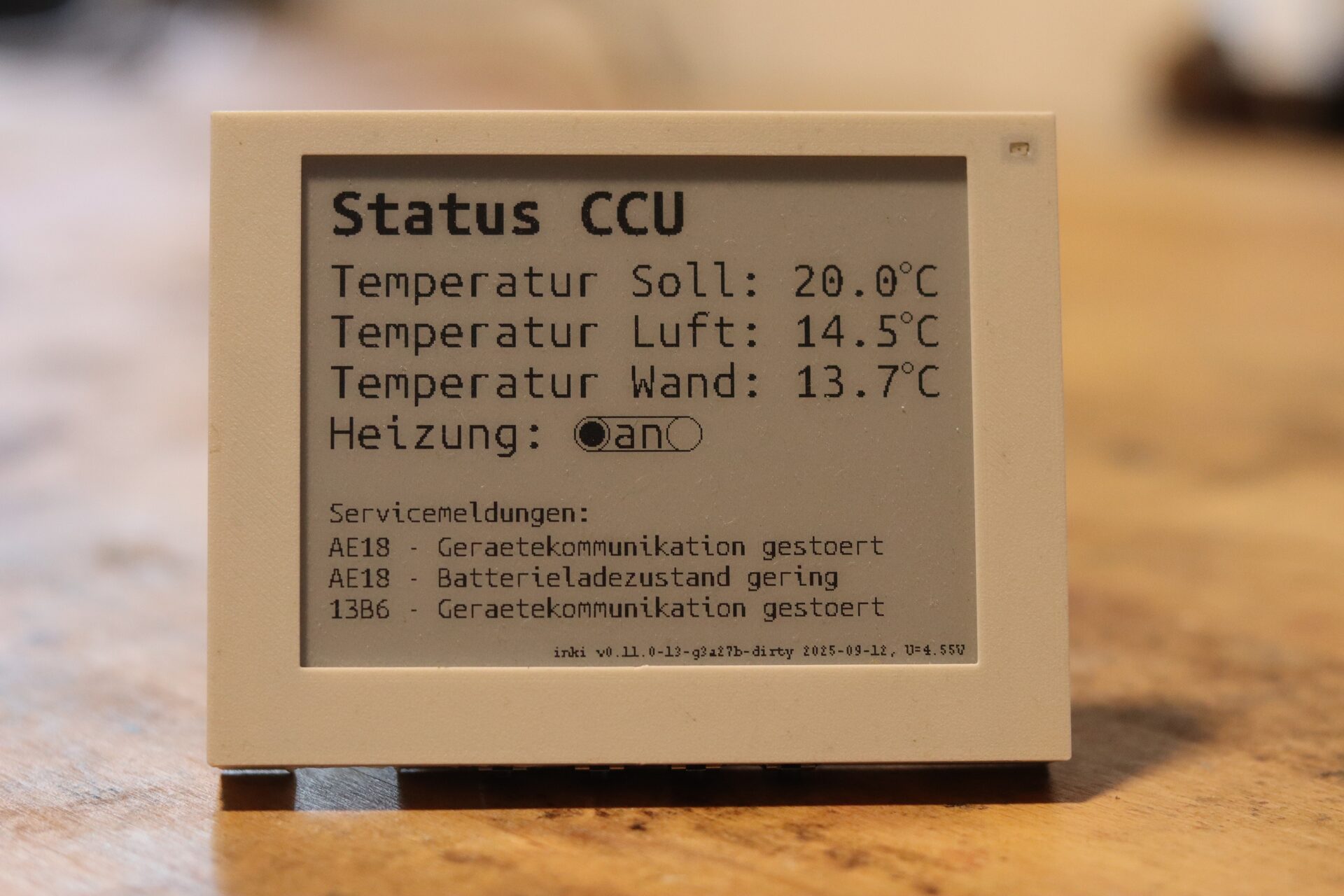
Homematic
Home-automation status: live sensor readings and device state at a glance.
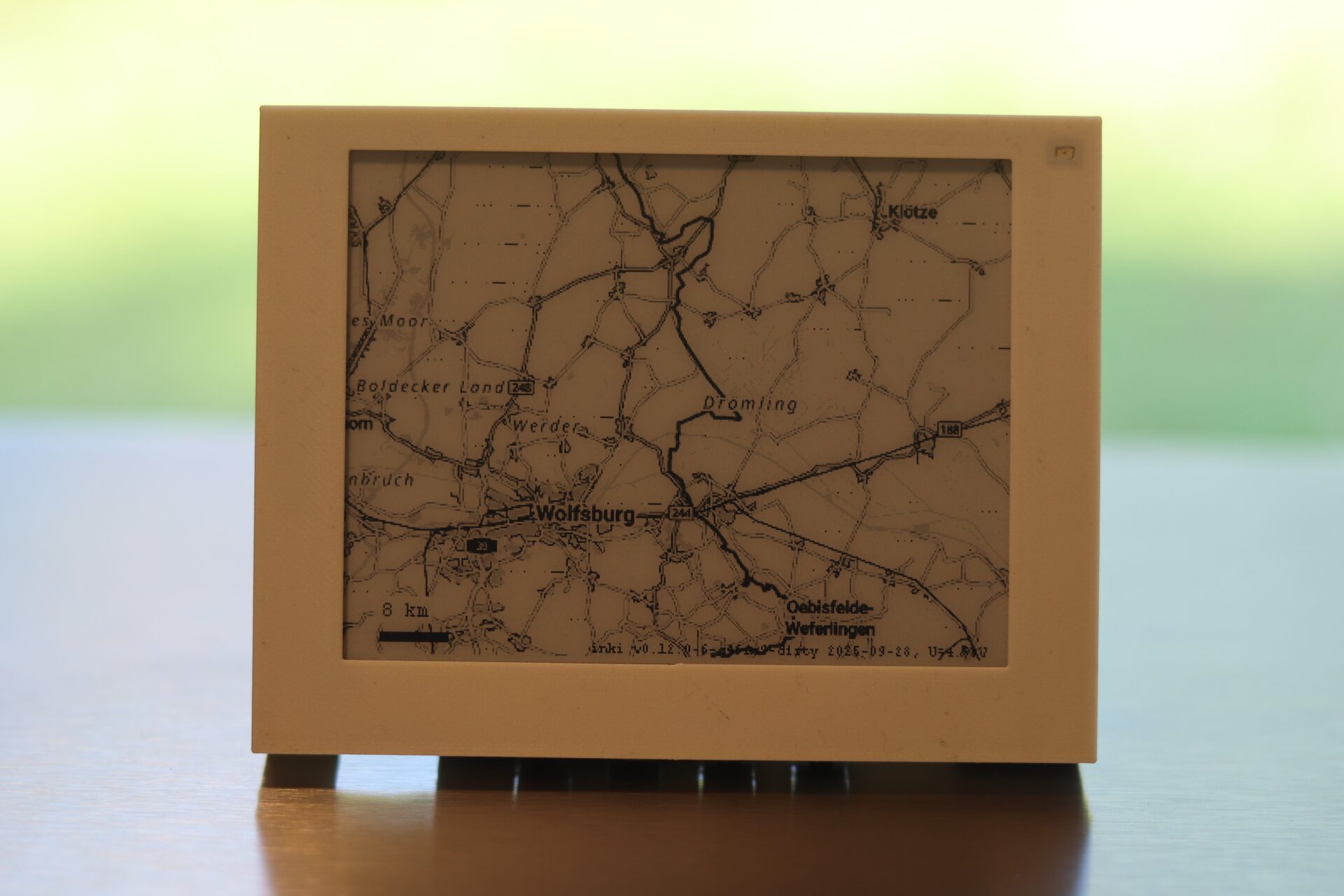
Weathermap Preview
Real-time weather maps from the free basemap.de WMS service (BKG, CC BY 4.0).
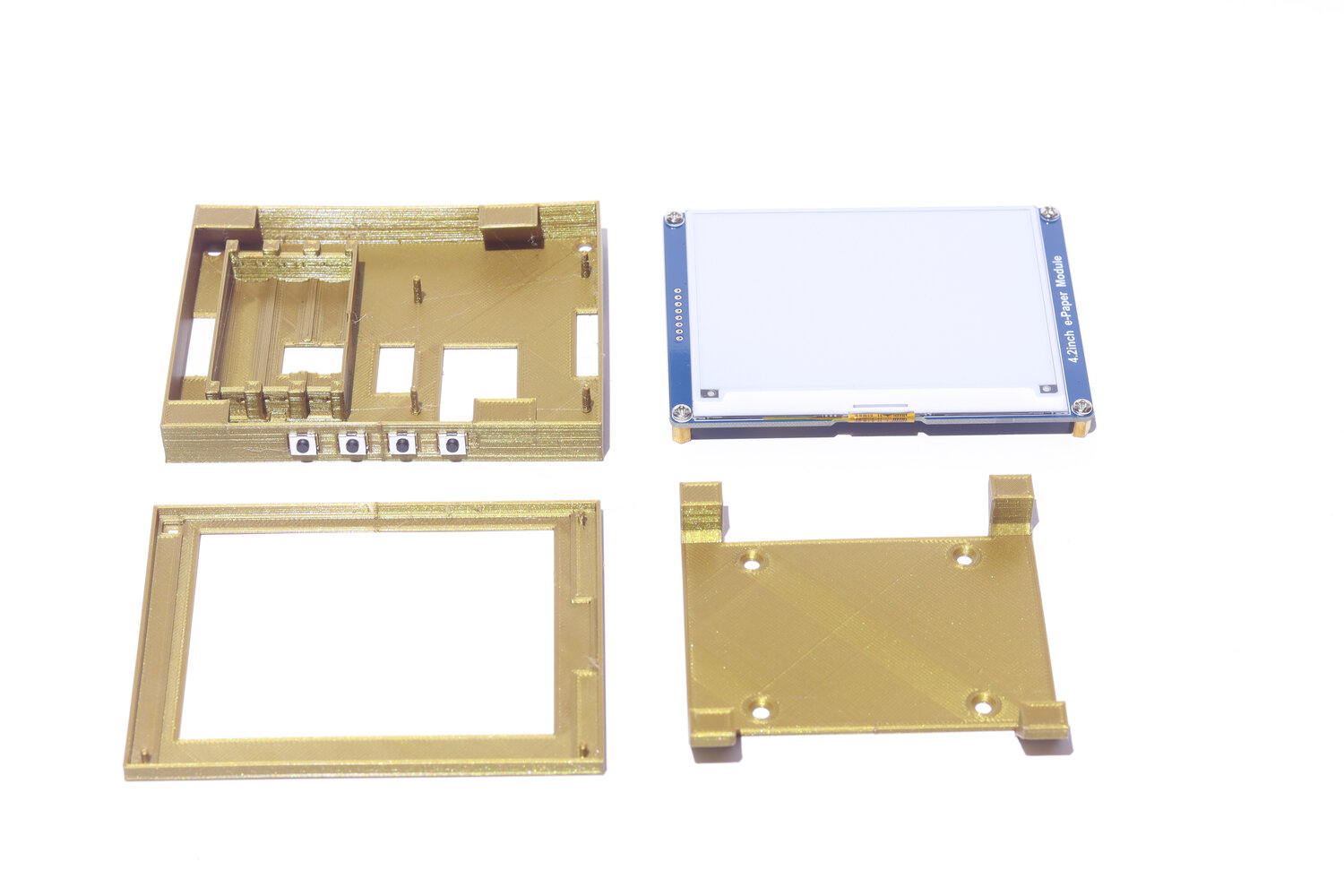
Build your own
Open hardware and software — the complete package: PCB, firmware, and 3D-printable case.
Control Tinta with your cell phone.
Tinta Tap is an open-source Android app. Hold your phone to a Tinta to book the desk or room, or push a short message or a sketch straight to the screen over NFC.
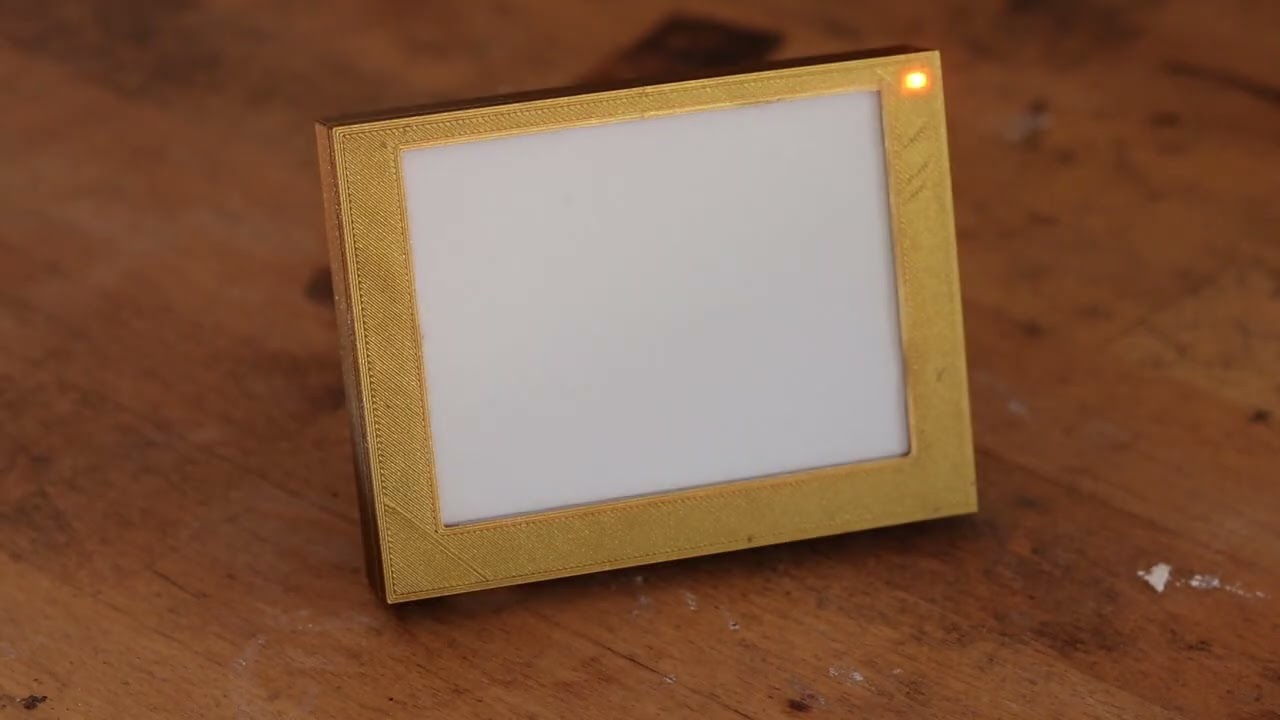 Watch the tap-to-book demo
Android, open source (Apache-2.0). The NFC tap uses the optional NFC-equipped Tinta.
At a glance.
| Processor | Raspberry Pi Pico W (Wi-Fi 2.4 GHz) |
|---|---|
| Displays | 4.2″ black-and-white e-paper (400×300) · 7.5″ (800×480) |
| Power | ~80 mA when active; fully switched off in hardware between refreshes |
| Batteries | 3× AAA (4.2″) or 3× AA (7.5″), ordinary alkaline — no lithium fire risk |
| Runtime | ~5,000 wake cycles (4.2″) to ~10,000 (7.5″) — comfortably over a year at typical rates |
| Refresh | On a schedule you choose, from minutes to hours — the display is not live. An NFC tap or a button press triggers an update immediately |
| Connectivity | Wi-Fi 2.4 GHz, WPA2/WPA3 personal only — no enterprise networks (802.1X, eduroam) and no proxy. Fetches content over HTTP or HTTPS, local network or internet |
| Enclosure | 3D-printed PLA, dovetail mount; lifts off for battery changes |
| Dimensions | 4.2″: 106×82×17 mm, 88 g · 7.5″: 182×126×22 mm, 208 g (without batteries) |
| Licenses | Firmware Apache-2.0 · Hardware CERN-OHL-S-2.0 |
Everything is open — build one today.
Every file needed to build, modify, and run the device is public: firmware, the custom dual-slot bootloader, the PCB design, and the 3D-printable case. Assemble the kit, flash the firmware over USB, and configure from a browser.

-
Get the firmware
Download the UF2 for your display and use case from the GitHub Releases.
-
Flash over USB
Hold the
BOOTSELbutton, plug in the Pico W, and copy the UF2 onto the drive that appears. No toolchain needed. -
Configure in a browser
The device opens a Wi-Fi hotspot named
inki-setup. Connect and open192.168.4.1to set Wi-Fi, data source, and layout.